
Dictiq
NewHold a hotkey, speak, and your words are typed
Free + in-appFree, English unlimited. USD 9.99 once adds five languages and Cleanup.
 Productivity
About Dictiq
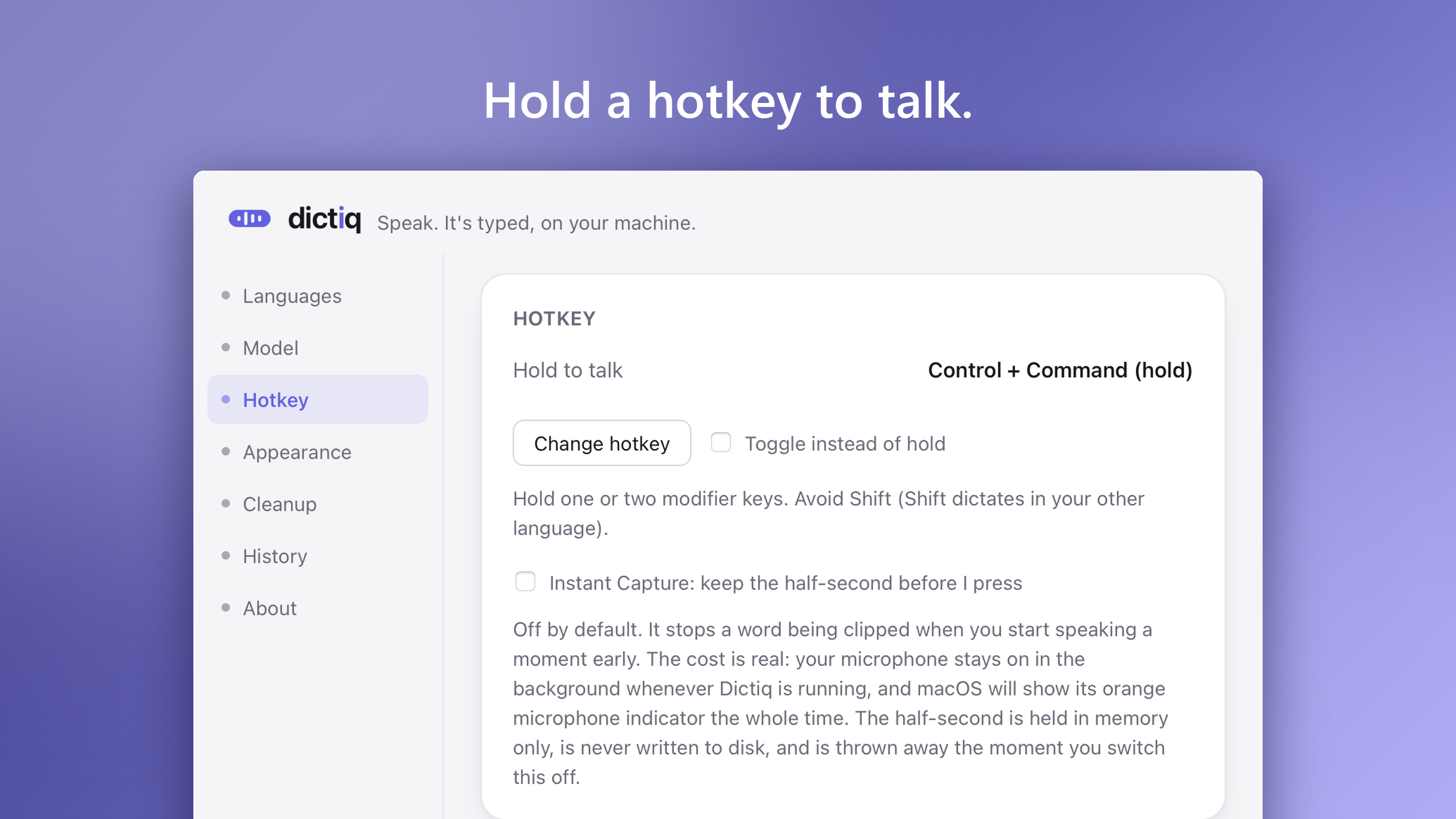
Dictiq is dictation for the Mac. Hold a hotkey, speak and let go, and Dictiq types what you said in the app you are already using.
• Dictation at the cursor. Dictiq types straight into the app you were already using, so you do not switch windows or copy and paste.
• Speech stays on your Mac. Dictiq turns your speech into text on your Mac. It has no backend server, user database, account or login. It does not send what you dictate anywhere unless you choose an endpoint of your own.
• Free to use in English. The app is free, and English dictation has no word limit.
• Five more languages. A one-time unlock adds Spanish, French, Arabic, Hindi and Urdu, Cleanup, and the option to use your own endpoint.
• Cleanup. Cleanup repairs how you said something without changing what you said.
• Your own endpoint. You can send your speech, or the Cleanup step, to an endpoint of your own, with your own key.
• Right-to-left text. Whatever Dictiq transcribes is inserted correctly into the app you are writing in: right-to-left text stays right to left, and a sentence mixing Urdu and English keeps its direction on both halves.
• Quality you can see first. Dictiq shows a measured accuracy label for each speech model and language before you choose it. Some languages are harder than others, and the label says so where you pick the model.
• One payment. You pay once, and the unlock is not a subscription.
• What uses the network. The app uses the network to download the language models you choose, to validate a licence key, and to reach an endpoint you have set up yourself. The web view built into macOS, which draws the app's window, may also contact Apple. Dictation works offline once the models you want are downloaded.
• What it does not do. Dictiq does not transcribe audio files, record or transcribe meetings, or translate.
Dictiq needs macOS 13 or later on an Apple silicon Mac (M1 or newer) and a microphone. It asks for Accessibility access so it can type into other apps. The app's interface is in English.
Launches
- Launches December 1, 2026Launch
Dictiq launches
Hold a hotkey, speak, and your words are typed
Comment on this launch
Sign in to join the conversation.
Sign in
Discussion 0
Sign in to join the conversation.
Sign inNo comments yet. Start the conversation.