
 Productivity
Typefu
Type less on your Mac
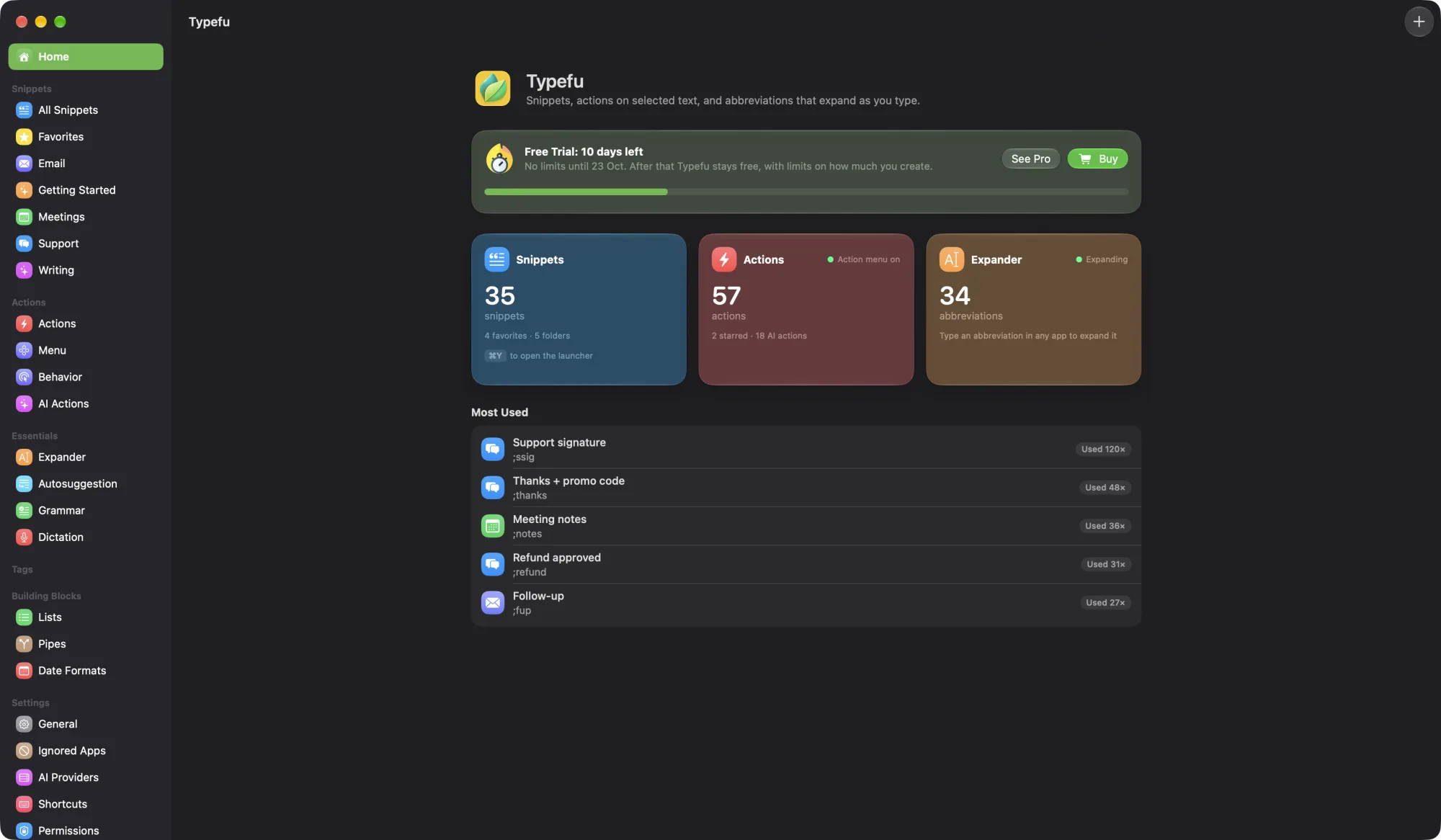
Snippets with fill-in fields, actions on selected text, AI rewrites, autosuggestions and grammar checks on your Mac, and abbreviations that expand as you type. In any app.
Add a date, a name or a toggle to any snippet, type its abbreviation, fill in the blanks and Typefu inserts the result. Pause after a word and Typefu suggests the next few words, which you insert with Tab.
Select text in any app and a menu shows up next to it to copy, search, translate, fix spelling or run AI on the selection. Start from more than 50 ready-made actions, or build your own from a URL, a script or a Shortcut.
Snippets, lists and actions live in a local database with no tracking and no account. Try everything for 14 days, then keep using it with free limits or upgrade to Pro.
Type less on your Mac
Discussion 0
Sign in to join the conversation.
Sign inNo comments yet. Start the conversation.